
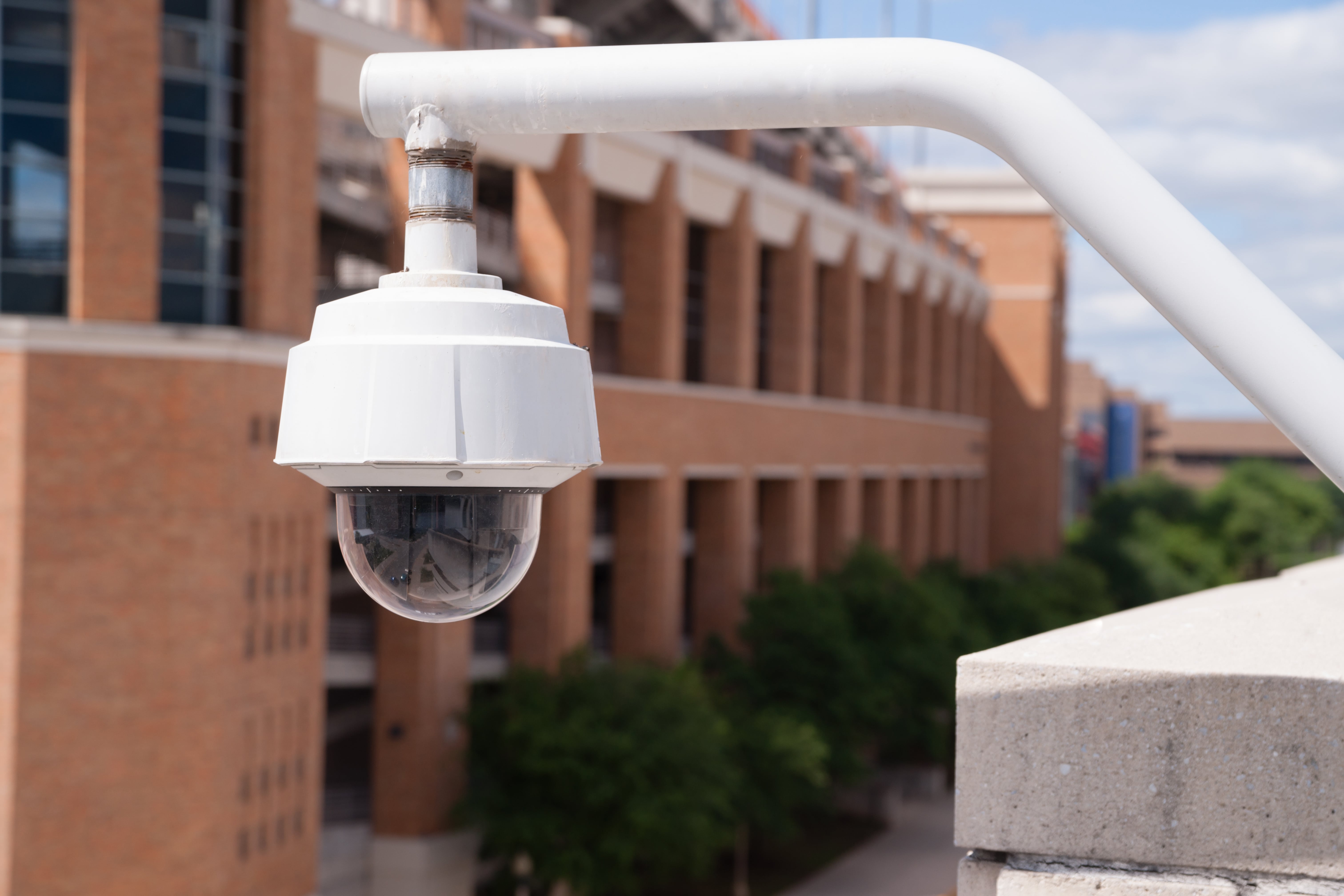
Nearly every public school in the country already has security measures in place. According to the National Center for Education Statistics, 97 percent of public schools control access to their buildings during school hours, 97 percent require visitors to sign in and wear badges, and 93 percent use security cameras.
So the question facing K-12 leaders is no longer whether to invest. It is whether the systems you own still work together, still cover the right areas, and still hold up against current threats.
No single product solves school security. Effective programs combine trained people, clear procedures, and integrated technology.
This guide covers the decisions administrators are weighing right now, from access control to threat assessment to the network risk sitting inside your camera system.
What Are the Biggest School Security Challenges Today?
Most districts deal with the same short list of pressures.
Unauthorized access. Propped doors, tailgating at main entrances, and visitors who bypass the front office remain the most common gap on any campus. Controlled access is near universal, so the weakness is usually in how it is enforced day to day.
Slow emergency response. When staff have no fast way to alert one another or reach law enforcement, minutes are lost.
Visitor management. Paper sign-in sheets give you no screening, no photo record, and no way to know who remains in the building during an evacuation.
Aging equipment. Camera adoption climbed from 61 percent of schools in 2009-10 to 93 percent today. Much of the equipment installed in the first wave is now a decade old, with resolution too poor to identify anyone and blind spots nobody has audited.
Cybersecurity. Cameras, door controllers, and visitor kiosks all sit on the school network. The U.S. Department of Education reports districts face an average of five cyber incidents per week.
Budget limits. Districts compete for the same dollars across facilities, staffing, and instruction, so security spending has to be defensible to a board.
Should Your School Start With a Security Risk Assessment?
Yes. A risk assessment tells you where your gaps are before you spend anything.
A thorough assessment reviews every entry point, exterior door hardware, camera placement and coverage, sightlines, visitor flow, athletic fields and playgrounds, parking areas, and current emergency procedures. It also reviews how your existing systems talk to one another, or fail to.
The output matters more than the walkthrough. A good assessment gives you a prioritized list, so you fix the highest-risk gaps first instead of buying the newest product on the market.
Schools should reassess after any building renovation, a change in enrollment or campus layout, a technology upgrade, or a shift in the local threat picture.
Learn more about security consulting and risk assessments.
What Security Technology Should Schools Consider?
Video Surveillance
Modern video systems do more than record. Intelligent analytics flag unusual activity, real-time alerts push notifications to staff phones, and integration with access control ties a door event to footage of the person who opened it.
Placement drives value. Cameras belong at every entrance, in corridors and stairwells, at loading docks, and across parking lots and athletic fields. Coverage gaps do more damage than low camera counts.
See video management solutions.
Access Control
Access control is the first layer between the outside and your students. Electronic credentials replace keys, so a lost badge is deactivated in seconds instead of triggering a rekey of the building.
Current systems also support temporary credentials for contractors and substitutes, scheduled lock and unlock times, remote door release from the front office or a mobile device, and full audit trails of who entered where and when.
Explore access control systems.
Visitor Management
A digital visitor system screens IDs, checks names against watch lists and custody restrictions, prints a photo badge, and keeps a live record of everyone inside the building.
During an evacuation, one accurate list of visitors is worth more than any other document you have.
See visitor management systems.
Intrusion Detection
Intrusion systems protect the building after hours and deter theft and vandalism. Tied into access control, video, and monitoring, they also feed your broader emergency response, not only your break-in response.
Emergency Communication and Mass Notification
Staff need a way to raise an alarm from anywhere on campus. Intercom systems, emergency call stations, panic buttons, and mass notification tools deliver alerts to classrooms, phones, and first responders at the same time.
Review intercom and emergency call systems.
Weapons Detection
Some districts have added walkthrough metal detectors or newer weapons detection screening at main entrances and event venues. These systems fit some campuses and not others. Enrollment size, entry point count, staffing levels, and community expectations all shape the decision.
Do Schools Need Security Officers or School Resource Officers?
The two roles are different, and the distinction matters when you plan a program.
A School Resource Officer is a sworn law enforcement officer assigned to a school by a local police department. SROs hold arrest authority, carry a firearm, and often take on mentoring and instruction alongside their security duties.
A security officer is employed by the district or by a contracted security provider. Officers handle access screening, patrols, visitor escorts, incident documentation, and event coverage. They are armed or unarmed depending on district policy.
Staffing has tightened. Federal survey data shows the share of schools with dedicated security staff on site at least once a week has slipped, so many districts now blend a smaller officer presence with stronger technology and clearer procedures.
Community input, board policy, and your risk assessment should drive the choice.
Learn about USI security officer services.
How Do Schools Prevent Security Incidents Before They Happen?
Technology records and alerts. Prevention happens earlier.
Behavioral threat assessment teams. A standing team of administrators, counselors, faculty, and law enforcement partners reviews concerning behavior and decides on a response before a situation escalates.
Anonymous reporting. Students see warning signs adults miss. Adoption has climbed sharply, from roughly a third of schools in 2009-10 to about 62 percent in 2021-22. A reporting tool with no social cost attached to using it surfaces concerns early.
Staff training. Faculty and support staff need to know what to report, who to tell, and what to do in the first ninety seconds of an emergency.
Regular drills. Run them across scenarios, not one scenario. Debrief after each one and fix what broke.
Clear written protocols. Procedures nobody has read do nothing. Review them annually and after every drill.
Should Schools Monitor Social Media for Threats?
Two different practices share this name. They carry different risks, and districts should separate them before making a decision.
Student account monitoring. Districts contract vendors to scan student posts, school email, and files stored on district-issued devices for signs of violence, self-harm, or bullying. Adoption grew quickly after 2013. Independent evidence of effectiveness remains limited. The Brennan Center for Justice and the Center for Democracy and Technology have both raised concerns about student privacy, free expression, and uneven impact on students of color. Districts using these tools also report large volumes of flagged content with little safety value.
Keyword alerting on public sources. This looks outward instead of inward. A monitoring service or command center watches public posts for your school or district name appearing alongside violence-related terms, then alerts administrators and, when warranted, law enforcement. No student account is followed. The trigger is the pairing of your name with a threat term in public content.
Setup matters more than the tool. Districts running keyword alerting well do four things:
- Build a wide name list. Official name, common abbreviation, mascot, athletics team name, and the nicknames students use. Hundreds of schools share a name, so pair each term with a locality word to cut noise.
- Tune for sports language. Phrases like "shooting guard" and "killed it" fire constantly during the season. Untuned alerts get ignored within a month.
- Define escalation before turning it on. Who receives an alert at 11 p.m., who verifies it, who contacts police, and what gets documented.
- Understand the coverage limit. Public post visibility has narrowed as platforms restricted data access, and most student conversation happens in private accounts, group chats, and messaging apps no service reaches.
Treat alerting as a tripwire, not a net. It catches the loud, public threat, and those do occur before incidents. It misses everything said privately, which is where concerning behavior usually appears first. Anonymous reporting and a behavioral threat assessment team stay the backbone for this reason.
If your district is weighing student account monitoring, work through these questions first:
- Who reviews a flagged item, and how quickly
- What happens after a flag, support or discipline
- Whether students and families are told the program exists
- How long data is retained and who has access
- Whether the policy stops at district-issued accounts and devices
- What your state law requires on student data privacy
Why Cybersecurity Is Part of School Safety
Every camera, door controller, intercom, and visitor kiosk on your campus is a networked device with an IP address.
Attackers know it. Default passwords on cameras, unpatched firmware on access control panels, and flat networks with no segmentation give an intruder a route from a hallway device into student records and financial systems.
The numbers are hard to ignore. The U.S. Department of Education reports an average of five cyber incidents per week across districts. Researchers counted 130 education-sector ransomware attacks in the United States during 2025, the highest total of any country. When an attack lands, the disruption is measured in weeks. Education institutions lost an average of 12.6 school days to ransomware in 2023.
A breach of your access control platform is a physical security event, not only an IT event. Someone with control of your door schedules controls your doors.
Treat your security technology as part of your cyber program:
- Segment security devices onto their own network
- Replace default credentials on every device
- Keep camera and controller firmware current
- Restrict administrative access to named accounts
- Back up system configurations and test the restore
We bring together physical security, integrated technology, and cybersecurity services to help districts address risks across their facilities, systems, and networks through a coordinated approach. Learn more about cybersecurity services.
How to Build a Layered School Security Strategy
Every school has different needs based on size, layout, location, and student population. The strongest programs evaluate each layer together instead of relying on one solution.
A comprehensive K-12 security program usually includes:
- Access control and visitor management
- Video surveillance with clear coverage and defined retention
- Security officers or School Resource Officers, where appropriate
- Emergency communication and mass notification
- Intrusion detection
- Weapons detection technology, where appropriate
- Behavioral threat assessment and anonymous reporting
- Threat monitoring of public sources, where policy supports it
- Staff training and emergency response planning
- Cybersecurity for all connected security systems
Start with your risk assessment. Fix the highest-risk gap first. Build from there.